
Understanding earnings and payouts
Where to find your earnings in the YOM app, what each figure on the dashboard means, and when each part of your payout lands in your wallet.
in this article
This article is about reading your earnings in the app: which figure means what, and when each part arrives.
For the model itself, how much each part pays and what you have to do to qualify, the NANO operator guide is the reference. It is the document we keep current, so if a figure here and a figure there ever disagree, the guide wins.
the short version
You are paid from two places, and they behave differently.
- Session earnings. Every completed session on your node pays you 60% of its fee. A Standard session costs $0.08, so you receive $0.048; the fee runs from $0.04 for Light to $0.24 for Ultra. These accrue continuously.
- The monthly amount. $74 per NANO, as two slots of $37. The first is guaranteed for meeting the uptime requirement, the second is pooled across the fleet and divided by the sessions each node served.
The full session fee is bought on the open market, and the tokens are then split four ways. The split is identical for every session, no matter who sold it:
- node operators (60%): you, for hosting the session on your node
- network development (30%): the development and growth of the network
- holders’ share (5%): shared with everyone who holds on to their payout
- retired (5%): permanently removed from supply
Studios don’t take a cut of the session fee; they’re the ones paying for the compute.
what shows up on your earnings dashboard
Open Earnings in the YOM app sidebar.
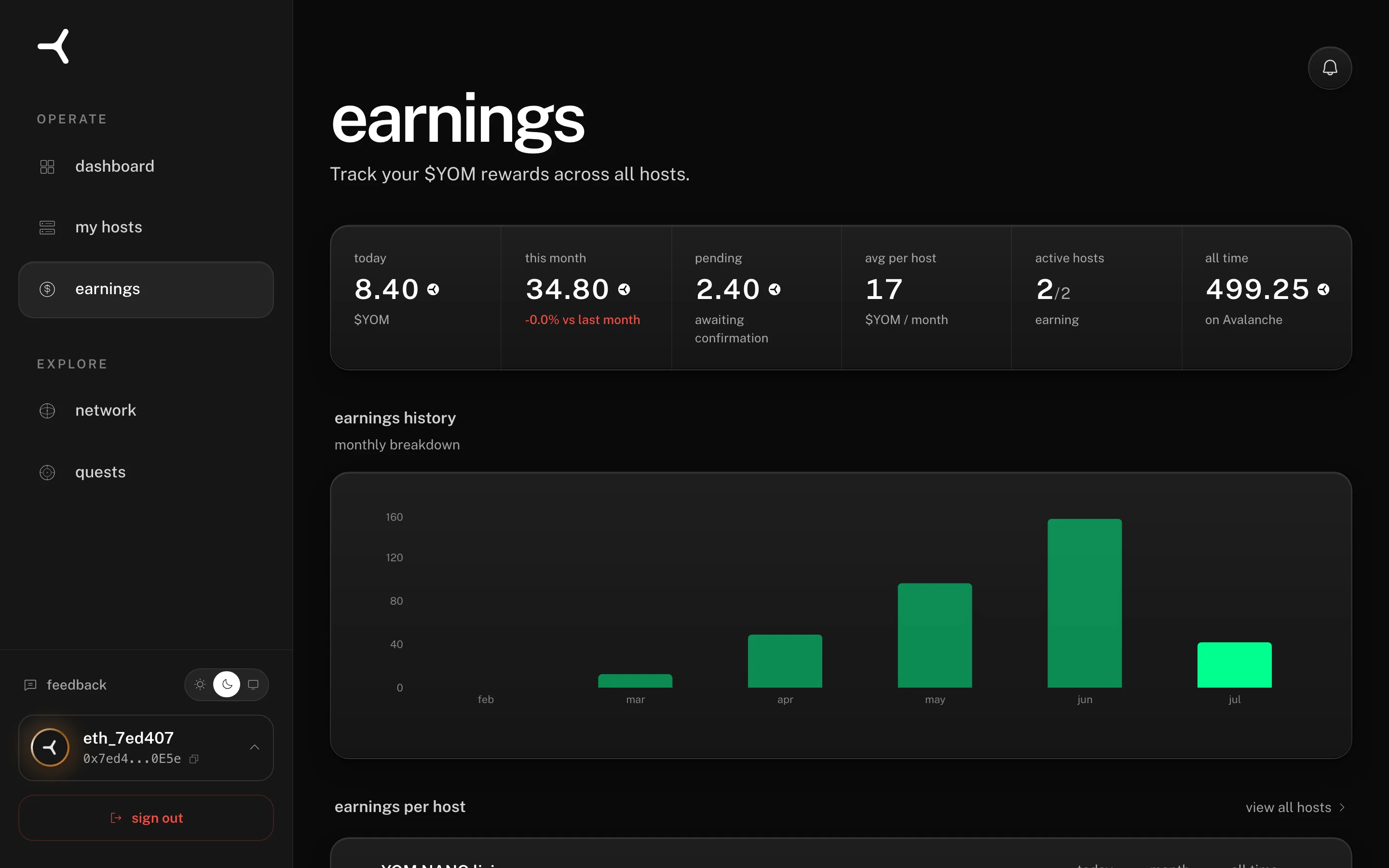
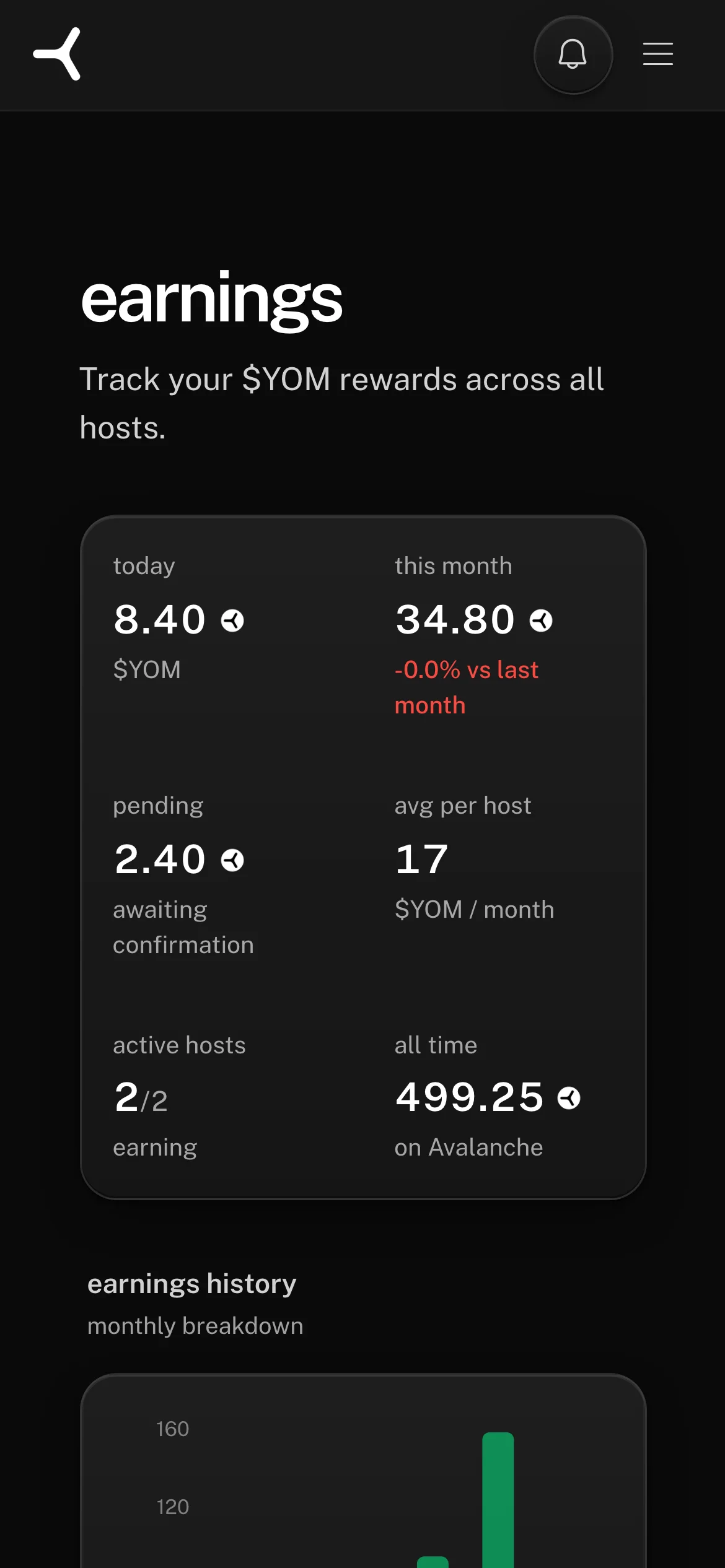
You’ll see:
- today: $YOM earned from sessions completed since 00:00 UTC today
- this month: rolling total from the first of the month
- last month: the previous calendar month’s total (for comparison)
- all-time: cumulative across the lifetime of the wallet
- pending: tokens accrued from sessions that have closed but haven’t settled on-chain yet. These move into “this month” automatically when the next payout runs.
Each session is logged individually with timestamp, game, duration, and operator share, so you can audit the totals at any time.
Your uptime for the current month is shown against the requirement while the month is still running, so you can see whether your two slots are on track before the month closes.
when each part arrives
Session earnings pay out automatically. Once you have accrued 10 completed sessions since your last payout, your earnings are sent to your wallet without you doing anything. That threshold exists so the transaction fee never eats a meaningful share of the payout, and it may move up or down as network fees move. You pay nothing for an automatic payout; the fee is covered by YOM.
The two slots pay once a month, shortly after the month closes, for the month just ended. The pooled slot cannot be divided until the month’s sessions are final, so that part cannot arrive any earlier.
You can also claim early. The operator app has a Claim button that sends everything you are owed on demand. On a manual claim you pay the network fee yourself, in AVAX, from your own wallet, and that costs roughly four times the gas of the same payout inside an automatic batch. Claiming early does not change what you are owed, only when it arrives. See Claiming your $YOM for the steps.
A few details that matter either way:
- Avalanche C-Chain. All settlements happen on AVAX. To receive an automatic payout your wallet needs no AVAX; to claim manually it does, because you are paying the gas.
- Tax record. Every payout is a regular ERC-20 transfer visible on Snowtrace. See earnings and taxes.
Today you get paid in $YOM. We are also exploring payout options in fiat or stablecoins; when that lands, it will be announced in the YOM app.
what drives higher earnings
- Staying online. The uptime requirement is what qualifies you for both slots, so it is the one thing that is fully in your hands. Miss it and you lose both for that month, though you keep every cent of your session earnings.
- More sessions. Players arrive when the network routes traffic to your geo and game. Sessions raise your total twice: through your 60% of each fee, and through your share of the pooled slot.
- Higher concurrent capacity. If your rig-check capacity is 2 or more, you host multiple sessions in parallel, so you can serve more of them in the same month.
The practical levers: improve your hardware for more capacity per machine, add a second node, or stay online during local peak hours, which are evenings and weekends in your timezone.
what doesn’t affect earnings
- Manual configuration tweaks. There are no hidden settings that double earnings. Anything claiming to is a scam.
- Which games you host. You do not choose them. A session’s fee is set by its compute tier, the resources it reserves on your machine, and your 60% share is the same at every tier.
where this lives in the contracts
The 60 / 30 / 5 / 5 split is the protocol’s economic invariant, enforced by the YOM settlement contract on Avalanche C-Chain, not by an off-chain rule. Every session’s split is verifiable on Snowtrace. The contract is governed by a multisig with a 48-hour timelock for any parameter changes.
The contract has no function that mints tokens to an address, which is why the session fee is bought on the open market rather than issued. See the $YOM token for the supply and the contract address.
Can't sign in, or don't have an account yet? Email support@yom.net
9 / 14 operating a YOM node
all articles